
Table of Contents
ToggleGame streaming has changed how millions of people play and watch video games. Instead of buying expensive hardware, players can now access titles through the internet or broadcast their gameplay to audiences worldwide. But what is game streaming exactly, and how does it work?
This guide breaks down everything beginners need to know. It covers the technology behind game streaming, the different types available, and practical steps to get started. Whether someone wants to play AAA titles without a gaming PC or dreams of building a streaming audience, this article provides the foundation.
Key Takeaways
- Game streaming allows players to access video games over the internet, either through cloud gaming services or by broadcasting gameplay to live audiences.
- Cloud gaming runs games on remote servers, letting you play AAA titles on low-powered devices without expensive hardware.
- A stable internet connection of at least 15-25 Mbps is essential for smooth game streaming with minimal latency.
- Live streaming platforms like Twitch and YouTube Gaming enable gamers to build communities and even earn income through subscriptions and sponsorships.
- Beginners should start with slower-paced games for cloud gaming and free software like OBS Studio for live streaming to ease into the experience.
How Game Streaming Works
Game streaming relies on sending data over the internet in real time. The exact process depends on the type of streaming, but the core concept stays the same: video and audio travel from one source to another with minimal delay.
For cloud gaming, powerful servers run the actual game. These servers process player inputs, render graphics, and encode the video. The compressed video then streams to the player’s device. When someone presses a button on their controller, that input travels to the server, gets processed, and the result appears on screen, all within milliseconds.
Latency matters a lot in game streaming. This refers to the delay between an action and its on-screen response. Most cloud gaming services aim for latency under 50 milliseconds. A stable internet connection of at least 15-25 Mbps helps maintain smooth gameplay.
Live streaming gameplay works differently. The player runs the game locally on their own hardware. Streaming software captures the gameplay, encodes it, and sends it to platforms like Twitch or YouTube. Viewers watch this broadcast with a slight delay, usually a few seconds behind real time.
Both forms of game streaming require encoding, converting raw video into a compressed format suitable for internet transmission. Hardware encoders in graphics cards or dedicated streaming devices handle this task efficiently without straining the main processor.
Types of Game Streaming
Game streaming falls into two main categories. Each serves a different purpose and attracts different audiences.
Cloud Gaming Services
Cloud gaming lets people play video games without owning high-end hardware. The games run on remote servers, and players access them through apps or web browsers.
Major cloud gaming platforms include Xbox Cloud Gaming (part of Game Pass), NVIDIA GeForce NOW, PlayStation Plus Premium, and Amazon Luna. These services typically charge monthly subscription fees ranging from $10 to $20. Some require players to own the games, while others include a library of titles.
Cloud gaming works on smartphones, tablets, laptops, smart TVs, and low-powered computers. A person could theoretically play demanding titles like Cyberpunk 2077 on a five-year-old laptop, as long as their internet connection holds up.
The technology has improved significantly since early attempts. Modern services offer 1080p and even 4K streaming at 60 frames per second. But, internet quality still determines the actual experience.
Live Streaming Gameplay
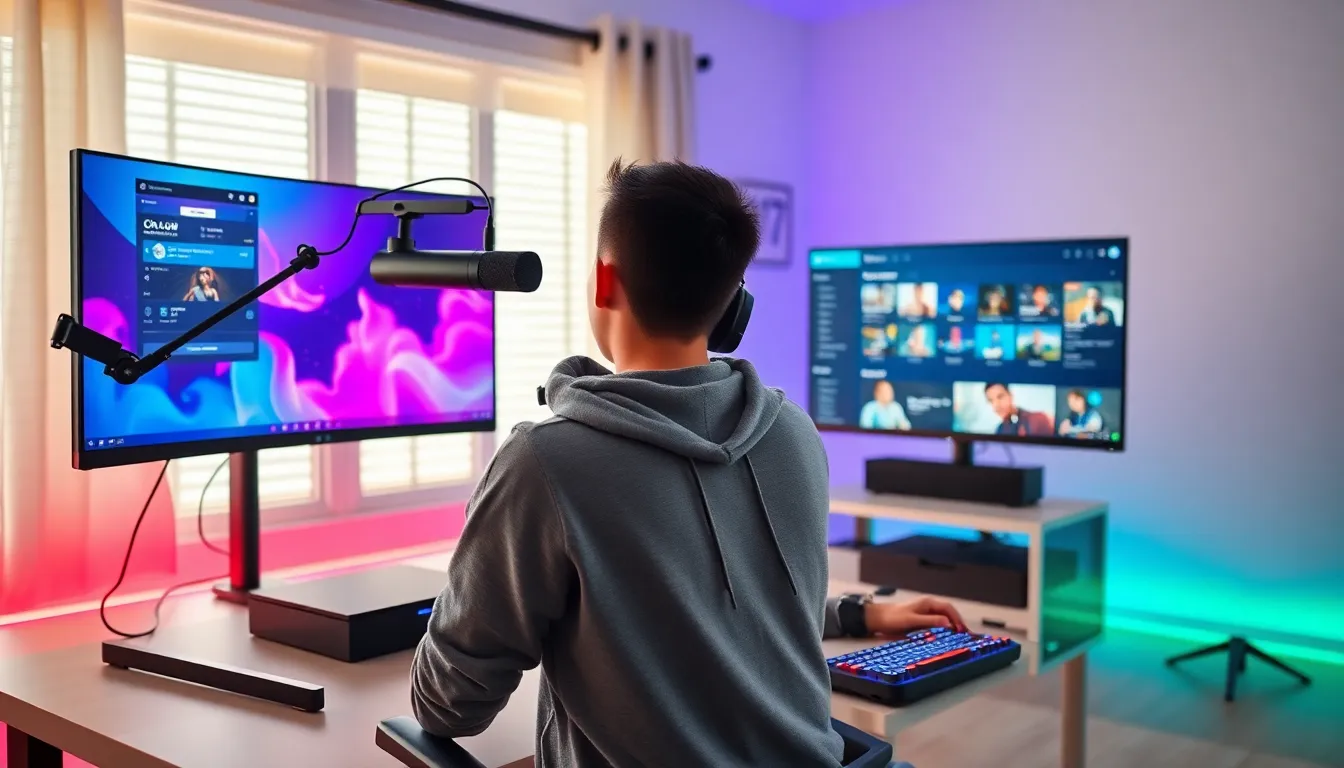
Live streaming gameplay means broadcasting video game sessions to an online audience. Platforms like Twitch, YouTube Gaming, and Facebook Gaming host millions of these streams daily.
Streamers share their screens while playing, often adding webcam footage and commentary. Viewers can chat in real time, creating an interactive experience. Some streamers build massive audiences, top creators attract tens of thousands of concurrent viewers.
This form of game streaming has become a legitimate career path. Professional streamers earn money through subscriptions, donations, sponsorships, and advertising revenue. Even casual streamers can build communities around shared gaming interests.
The barrier to entry is relatively low. Anyone with a gaming device, basic streaming software, and an internet connection can start broadcasting. Building an audience, but, takes time and consistency.
Benefits and Drawbacks of Game Streaming
Game streaming offers clear advantages, but it also comes with limitations worth considering.
Benefits:
- Lower hardware costs: Cloud gaming eliminates the need for expensive gaming PCs or consoles. Players access games through devices they already own.
- Instant access: No downloads or installations required for cloud gaming. Players can jump into games within seconds.
- Play anywhere: Game streaming works on multiple devices. Someone could start playing on their TV and continue on a tablet during travel.
- Community building: Live streaming creates connections between players and audiences. It turns solitary gaming into a social activity.
- Income potential: Successful streamers generate revenue from their broadcasts. Game streaming has created new career opportunities.
Drawbacks:
- Internet dependency: Game streaming requires fast, stable connections. Rural areas or regions with poor infrastructure face significant challenges.
- Latency issues: Even small delays affect gameplay, especially in competitive titles. Cloud gaming struggles with fast-paced games like fighting games or shooters.
- Subscription costs: Monthly fees add up over time. Players don’t own the games and lose access if they cancel.
- Video compression: Streamed video never matches local gameplay quality. Compression artifacts appear during fast movement or dark scenes.
- Data usage: Game streaming consumes substantial bandwidth. An hour of 1080p cloud gaming uses roughly 10-15 GB of data.
Game streaming works best for casual players or those testing games before purchase. Competitive gamers and those in areas with unreliable internet might prefer traditional local gaming.
Getting Started With Game Streaming
Starting with game streaming depends on which type someone wants to pursue.
For Cloud Gaming:
- Check internet speed: Run a speed test and confirm at least 15 Mbps download speed. 25+ Mbps provides a better experience.
- Choose a service: Xbox Cloud Gaming offers the best value with Game Pass Ultimate ($16.99/month). GeForce NOW works well for PC gamers who own games on Steam.
- Use wired connections: Ethernet cables reduce latency compared to Wi-Fi. If Wi-Fi is the only option, stay close to the router.
- Get a controller: Most cloud gaming services support Bluetooth controllers. Xbox controllers work universally across platforms.
- Start with slower games: Try RPGs or strategy games first. These genres tolerate latency better than action titles.
For Live Streaming:
- Pick a platform: Twitch dominates game streaming but has heavy competition. YouTube Gaming offers better discoverability for new streamers.
- Download streaming software: OBS Studio is free and powerful. Streamlabs adds user-friendly features for beginners.
- Set up basic equipment: Start with built-in microphones and webcams. Upgrade later if streaming becomes a regular hobby.
- Configure stream settings: 720p at 30fps works for most internet connections. Higher quality requires faster upload speeds.
- Create a consistent schedule: Regular streaming times help build an audience. Even two to three hours per week establishes a routine.
Both forms of game streaming have low barriers to entry. The key is starting simple and improving over time based on experience.


