
Table of Contents
ToggleLearning how to game streaming opens doors to a creative hobby, or even a career. Millions of viewers watch live gameplay daily on platforms like Twitch and YouTube. Starting a stream requires the right gear, software, and strategy. This guide covers everything beginners need to know. From essential equipment to audience growth tactics, new streamers will find practical steps to launch their first broadcast.
Key Takeaways
- Game streaming requires a capable PC or console, quality microphone, webcam, and free software like OBS Studio to get started.
- Audio quality matters most to viewers—invest in a USB microphone like the Blue Yeti ($100–$150) before upgrading video gear.
- Choose your streaming platform strategically: Twitch offers the largest gaming audience, YouTube excels at discoverability, and Facebook Gaming monetizes at just 100 followers.
- Consistent streaming schedules (2–3 times per week) help build audience habits and prevent creator burnout.
- Stream mid-tier or niche games instead of oversaturated titles like Fortnite to improve visibility as a new streamer.
- Repurpose stream highlights into TikTok, YouTube Shorts, and Instagram Reels to attract new viewers beyond live broadcasts.
Essential Equipment and Software You Need
Game streaming demands specific hardware and software. The good news? Beginners don’t need to spend thousands of dollars to get started.
Hardware Basics
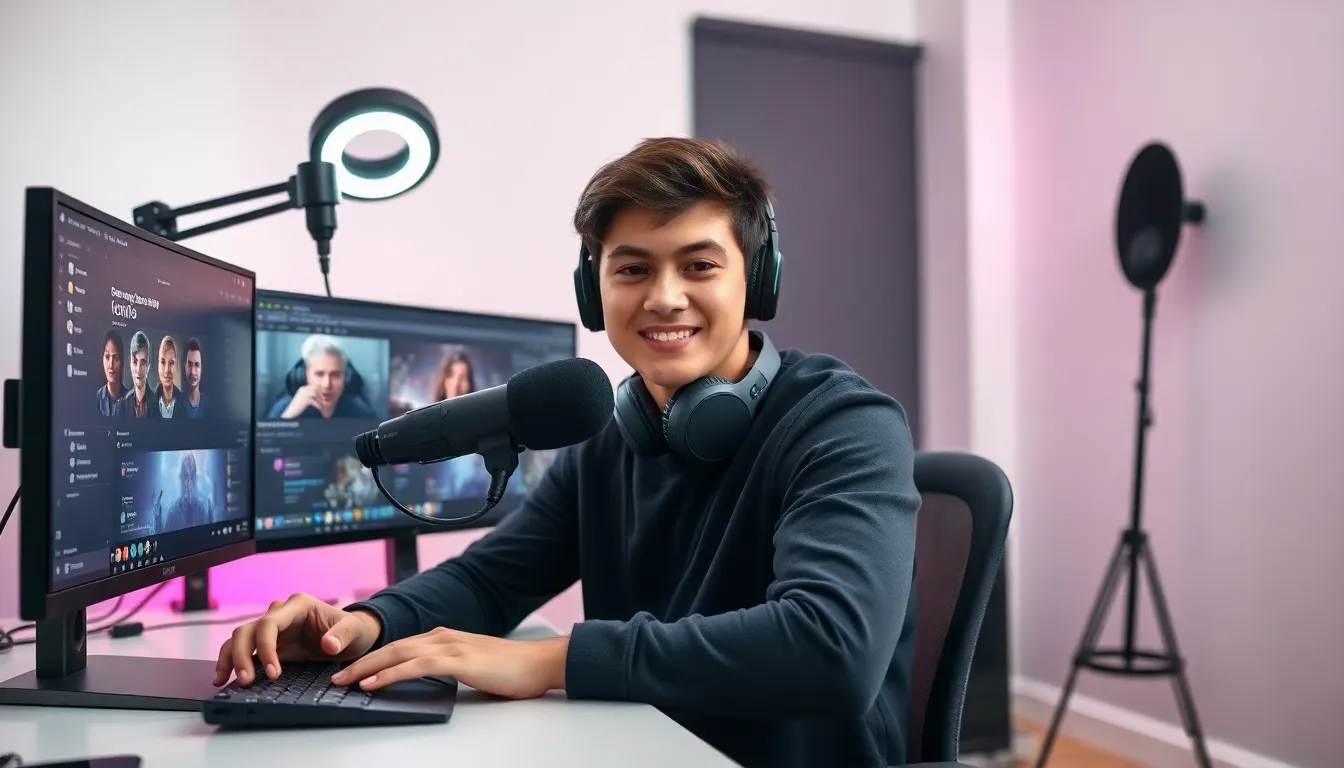
A capable computer forms the foundation of any streaming setup. Streamers need a PC or gaming console that can run games smoothly while encoding video simultaneously. For PC streamers, an Intel Core i5 or AMD Ryzen 5 processor (or better) handles most titles well. At least 16GB of RAM keeps things running without hiccups.
A quality microphone matters more than most new streamers realize. Viewers tolerate average video quality, but poor audio drives them away fast. USB microphones like the Blue Yeti or Audio-Technica AT2020 offer excellent sound without very costly. They cost between $100 and $150 and plug directly into any computer.
Webcams add a personal touch to streams. The Logitech C920 remains a popular choice at around $70. It captures clear 1080p video and works with all major streaming software. Some streamers skip the webcam entirely, but face cams help build stronger connections with audiences.
Good lighting transforms mediocre webcam footage into professional-looking video. A simple ring light or two softbox lights eliminate harsh shadows. These run $30 to $100 depending on quality.
Software Requirements
OBS Studio dominates the game streaming software market. It’s free, open-source, and incredibly powerful. Streamers use OBS to capture gameplay, add overlays, switch scenes, and broadcast to platforms. The learning curve takes a few hours, but countless tutorials exist online.
Streamlabs Desktop offers an alternative with a more user-friendly interface. It includes built-in alerts, themes, and widgets. This makes setup faster for beginners who want to start game streaming quickly without deep customization.
XSplit provides another option with premium features. The free version works for basic streams, while paid plans unlock advanced tools. Many professional streamers prefer XSplit for its stability during long broadcasts.
Choosing the Right Streaming Platform
Platform selection shapes a streamer’s potential audience and income opportunities. Each major platform offers distinct advantages.
Twitch
Twitch leads the game streaming industry with roughly 140 million monthly active users. The platform focuses exclusively on live content, making it ideal for dedicated streamers. Twitch offers Partner and Affiliate programs that let creators earn money through subscriptions, bits (virtual currency), and ads.
The competition on Twitch runs fierce. Thousands of streamers broadcast simultaneously in popular game categories. New streamers often struggle to gain visibility without existing followers or unique content angles.
YouTube Gaming
YouTube Gaming leverages the world’s largest video platform. Streams appear alongside regular videos, giving creators access to YouTube’s massive search traffic. The platform excels at discoverability, viewers find streams through recommendations and search results.
YouTube’s monetization requires 1,000 subscribers and 4,000 watch hours. Once eligible, streamers earn through Super Chats, memberships, and ad revenue. The platform also saves streams automatically as VODs (videos on demand).
Facebook Gaming
Facebook Gaming targets casual viewers who already spend time on social media. The platform offers Level Up program benefits at just 100 followers. Streamers can monetize through Stars (similar to Twitch bits) and fan subscriptions.
The audience skews older than Twitch or YouTube. Mobile game streaming performs particularly well here.
Making the Choice
Beginners should consider where their potential audience already exists. Someone with YouTube subscribers might grow faster there. A Twitch viewer community might transition better to that platform. Multi-streaming to several platforms simultaneously helps new creators test the waters.
Setting Up Your First Stream
Technical setup intimidates many new streamers. Breaking the process into steps makes it manageable.
Configure Streaming Software
Download OBS Studio or preferred software first. Open the settings panel and locate the Stream section. Select the target platform and enter the stream key (found in platform account settings). Never share this key, it grants broadcast access to the account.
Set output resolution to 1080p or 720p depending on internet upload speed and computer power. A bitrate between 4,500 and 6,000 kbps works well for 1080p streams. Lower these values if streams lag or buffer.
Create Scenes and Sources
OBS uses scenes to organize different stream layouts. A typical setup includes:
- Starting Soon scene: Shows a graphic while the streamer prepares
- Gameplay scene: Displays the game with webcam overlay
- BRB scene: Appears during breaks
- Ending scene: Thanks viewers at stream’s end
Add sources to each scene. Game capture grabs gameplay footage. Video capture device adds the webcam feed. Image sources display overlays and graphics.
Test Before Going Live
Run a test stream before the official first broadcast. Most platforms allow private or unlisted streams. Check audio levels, game sound and voice should balance well. Verify the webcam appears correctly. Watch for dropped frames or encoding issues.
Going Live
Choose a game and start playing before hitting the Go Live button. This prevents dead air at the stream’s start. Announce the stream on social media. Interact with chat immediately when viewers arrive, first impressions matter in game streaming.
Tips for Growing Your Audience
Building a viewer base takes time and consistent effort. These strategies help accelerate growth.
Stick to a Schedule
Consistent streaming schedules help viewers know when to tune in. Someone who streams every Tuesday and Thursday at 7 PM builds habits among their audience. Irregular streaming makes it harder for fans to follow along.
Start with 2-3 streams per week. Burnout kills more streaming careers than lack of talent. Sustainable schedules beat ambitious ones that can’t be maintained.
Pick Strategic Games
Game selection affects discoverability dramatically. Streaming Fortnite or Call of Duty means competing against thousands of established streamers. New creators get buried in these saturated categories.
Consider mid-tier games with active communities but fewer streamers. Indie titles, retro games, or niche genres often provide better visibility. Variety streaming (playing different games) works for some, but single-game focus typically builds audiences faster.
Engage With Viewers
Talk constantly during streams, even with zero viewers. New visitors decide within seconds whether to stay. A silent streamer gives them no reason to stick around. Read chat messages aloud and respond thoughtfully. Ask questions. Create conversation.
Network With Other Streamers
The game streaming community rewards collaboration. Raid other streamers when ending broadcasts. Host content from creators in similar niches. Join Discord servers for streamers. Genuine friendships lead to natural cross-promotion.
Avoid self-promotion in others’ chats, it’s considered rude and damages reputation.
Create Content Beyond Streams
Clip highlights and post them on TikTok, YouTube Shorts, and Instagram Reels. Short-form content attracts new viewers who might not watch full streams. Edit memorable moments, funny fails, or impressive plays.
Some streamers repurpose entire streams into edited YouTube videos. This extends content reach and creates passive discovery opportunities.


