
Table of Contents
ToggleTop gaming accessories transform an ordinary setup into a competitive advantage. The right gear improves reaction times, enhances comfort during long sessions, and delivers audio clarity that pulls players deeper into their favorite games. Whether someone plays casual titles or competes in esports, quality peripherals make a measurable difference.
This guide covers the essential gaming accessories every player should consider. From headsets that deliver crystal-clear sound to ergonomic chairs that prevent fatigue, each category plays a specific role in building the ultimate gaming station. The following sections break down what matters most in each accessory type and highlight features worth prioritizing.
Key Takeaways
- Top gaming accessories like quality headsets, mechanical keyboards, and high-performance mice provide a competitive edge by improving reaction times and audio clarity.
- Mechanical keyboards with linear switches and N-key rollover deliver faster, more reliable inputs for intense gameplay.
- Gaming mice with optical sensors and 1000Hz+ polling rates offer superior accuracy—most competitive players use 400–1600 DPI despite higher advertised options.
- Controllers remain essential for racing, fighting, and platformer games, with pro-level features like back paddles and adjustable triggers enhancing performance.
- Ergonomic accessories such as adjustable chairs, monitor arms, and wrist rests prevent strain and maintain comfort during long gaming sessions.
- Investing in the right gaming accessories across all categories transforms an ordinary setup into an optimized, high-performance gaming station.
Gaming Headsets for Immersive Audio
A quality gaming headset ranks among the top gaming accessories for good reason. Sound design in modern games contains crucial information, footsteps reveal enemy positions, ambient audio builds tension, and voice chat keeps teams coordinated.
Wired headsets typically offer lower latency than wireless options, which matters in competitive shooters. But, wireless technology has improved significantly. Many premium wireless headsets now deliver sub-20ms latency, making them viable for serious gaming.
Key features to look for include:
- Surround sound support: Virtual 7.1 surround helps players pinpoint directional audio
- Noise-canceling microphones: Teammates hear clear callouts without background noise
- Comfortable ear cushions: Memory foam or breathable mesh prevents discomfort during extended play
- Frequency response range: Wider ranges (20Hz–20kHz minimum) capture more audio detail
Brands like SteelSeries, HyperX, and Logitech consistently produce reliable gaming headsets across various price points. Budget-conscious buyers can find solid options between $50–$80, while premium models with advanced features run $150–$300.
Mechanical Keyboards for Precision and Speed
Mechanical keyboards remain popular gaming accessories because they offer consistent key presses and faster actuation. Unlike membrane keyboards, each key on a mechanical board has its own switch. This design provides tactile feedback and registers inputs more reliably.
Switch types affect the gaming experience significantly:
- Linear switches (Cherry MX Red, Gateron Yellow): Smooth keystrokes with no tactile bump. Preferred for fast-paced games.
- Tactile switches (Cherry MX Brown): Provide feedback at the actuation point. Good for gaming and typing.
- Clicky switches (Cherry MX Blue): Audible click sound. Less popular for gaming due to noise.
N-key rollover (NKRO) ensures the keyboard registers every keypress, even when multiple keys are pressed simultaneously. Anti-ghosting serves a similar function and prevents missed inputs during intense gameplay.
Customizable RGB lighting adds visual appeal and can provide functional benefits. Some gamers program specific colors to highlight WASD keys or ability bindings. Hot-swappable keyboards let users change switches without soldering, a useful feature for those who want to experiment with different switch types.
High-Performance Gaming Mice
The gaming mouse directly affects aim accuracy and response time. Top gaming accessories in this category prioritize sensor quality, weight, and button placement.
Optical sensors have largely replaced laser sensors in competitive gaming mice. Modern optical sensors track movement more accurately and handle quick flicks without spinning out. DPI (dots per inch) settings control cursor sensitivity, most competitive players use between 400–1600 DPI even though some mice advertising 25,000+ DPI capabilities.
Polling rate measures how often the mouse reports its position to the computer. A 1000Hz polling rate means the mouse updates its position 1,000 times per second. Higher polling rates reduce input lag, and some newer mice offer 4000Hz or 8000Hz options.
Weight preferences vary by game genre. FPS players often prefer lightweight mice (under 70 grams) for faster aim adjustments. MOBA and MMO players might choose heavier mice with additional side buttons for ability macros.
Mouse shape matters more than specs for many users. Ergonomic right-handed designs, ambidextrous options, and various grip styles (palm, claw, fingertip) all exist. Testing different shapes helps players find what feels natural.
Controllers and Gamepads
Controllers remain essential gaming accessories for certain genres. Racing games, platformers, fighting games, and action-adventure titles often play better with a gamepad than a keyboard and mouse.
The Xbox Wireless Controller works seamlessly with Windows PCs and offers familiar ergonomics. PlayStation’s DualSense controller brings adaptive triggers and haptic feedback to supported PC games. Third-party options from companies like 8BitDo provide alternatives with retro styling or additional features.
Pro-level controllers include extra features:
- Back paddles or buttons: Allow thumb-free access to additional inputs
- Adjustable trigger stops: Reduce trigger travel for faster shooting in FPS games
- Swappable thumbsticks: Different heights and shapes suit various preferences
- Hair trigger locks: Minimize the distance needed to register a trigger press
Wireless controllers add convenience but introduce slight input lag. For competitive play, wired connections eliminate this concern. Most modern controllers support both options.
Essential Comfort and Ergonomic Accessories
Long gaming sessions strain the body. Smart ergonomic choices prevent injury and maintain performance over time. These often-overlooked gaming accessories deserve attention.
Gaming chairs receive mixed opinions. Quality models support proper posture with lumbar and neck pillows. But, a good office chair often provides equal or better ergonomics at similar prices. The key is adjustable armrests, seat height, and lumbar support, not racing-style aesthetics.
Monitor arms free up desk space and allow precise screen positioning. Proper monitor height (top of screen at eye level) reduces neck strain. Adjustable arms also enable quick repositioning for different activities.
Wrist rests for keyboards and mice reduce pressure on the carpal tunnel during extended use. Gel-filled or memory foam options provide cushioning without restricting movement.
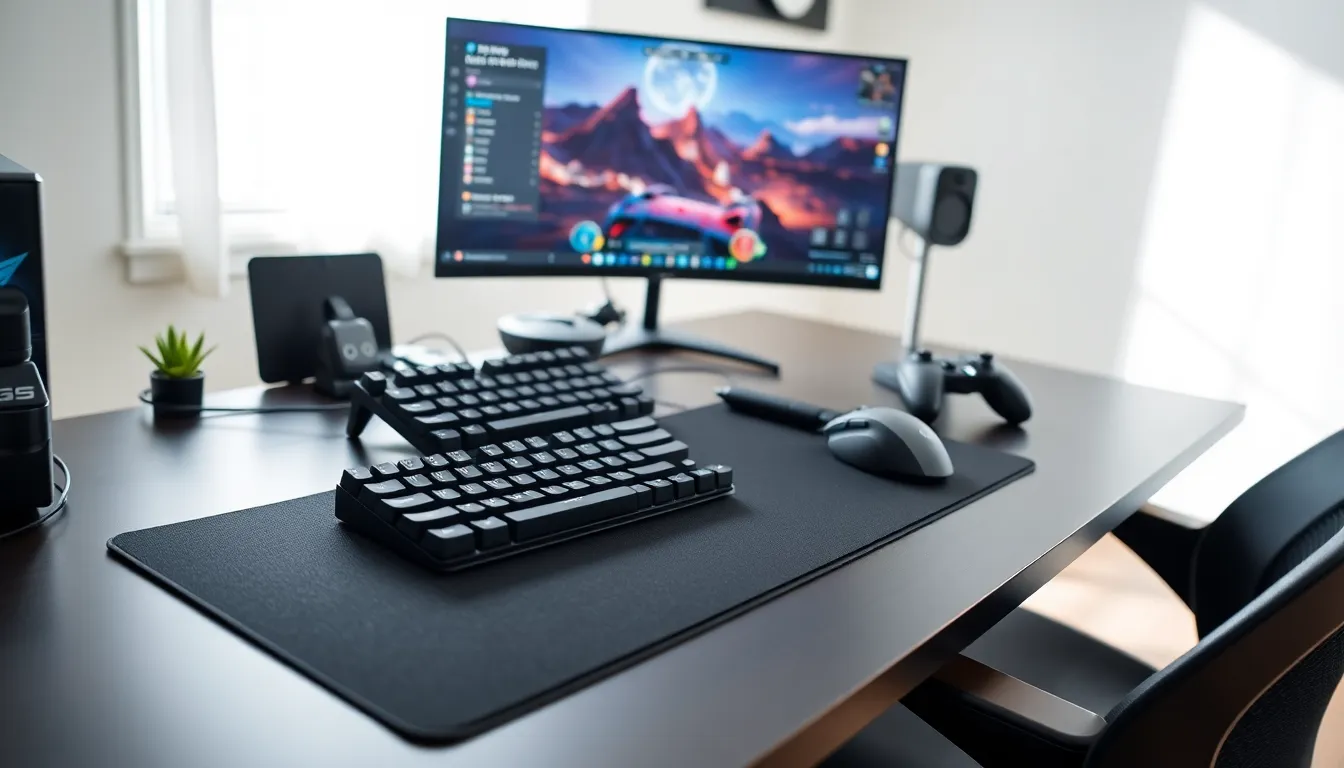
Desk mats or extended mouse pads create a unified surface for mouse tracking and protect desk surfaces. Larger pads (900mm+ width) accommodate both keyboard and mouse while providing consistent glide.
Blue light glasses reduce eye strain during evening gaming sessions. While research on blue light remains mixed, many users report reduced headaches and better sleep when using them.


