
Table of Contents
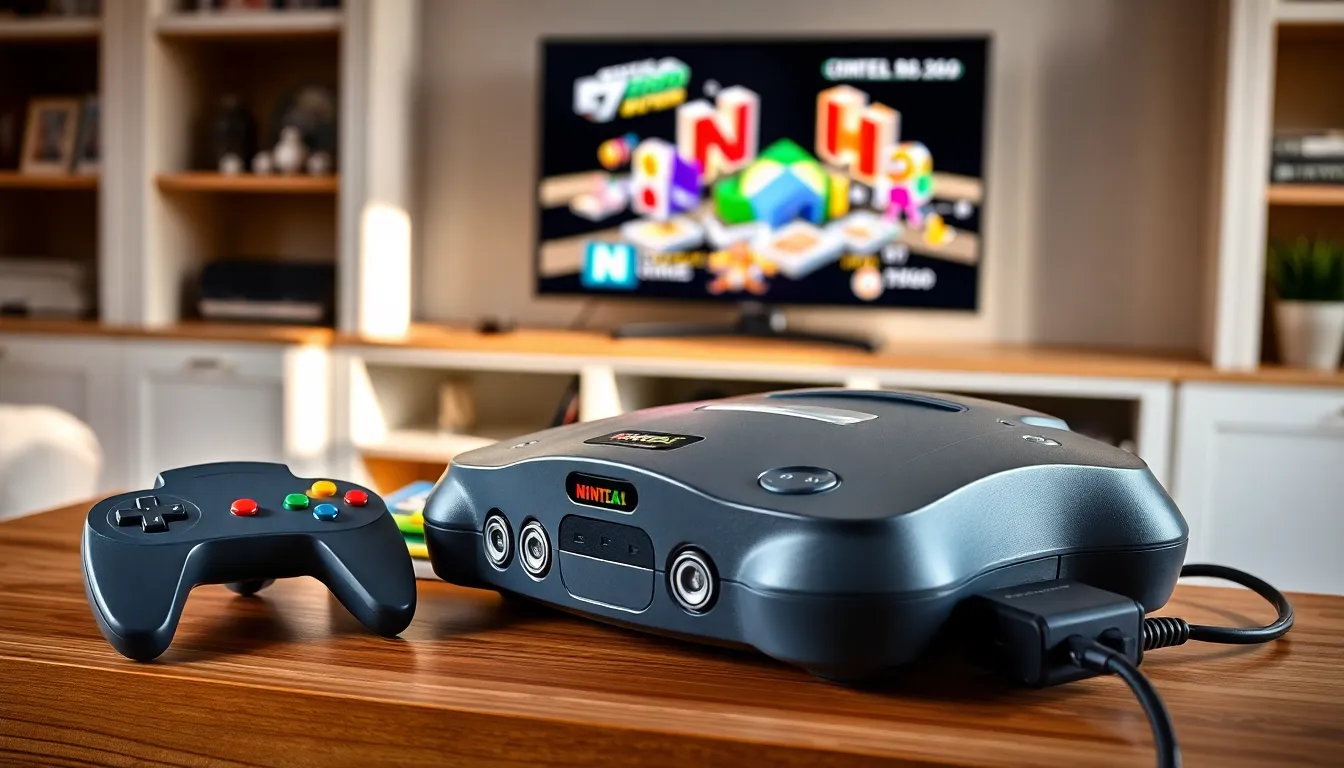
ToggleNintendo 64 tips can transform a casual gaming session into something far more satisfying. The N64 launched in 1996 and introduced millions of players to 3D gaming. Nearly three decades later, collectors and retro enthusiasts still treasure this console. Whether someone recently picked up an N64 at a garage sale or dusted off their childhood system, these strategies will help maximize the experience. This guide covers console setup, controller techniques, hidden features, and hardware maintenance. Players who follow these Nintendo 64 tips will get more from every gaming session.
Key Takeaways
- Upgrade from RF adapters to S-Video cables or an HDMI upscaler for significantly sharper N64 visuals on modern TVs.
- Master the N64 controller’s center-right grip position and Z-targeting technique to improve gameplay in most titles.
- Check that your Expansion Pak is properly seated, as games like Majora’s Mask and Perfect Dark require it to run.
- Clean cartridge pins with 90%+ isopropyl alcohol to fix common freezing and connection errors.
- Explore classic cheat codes and hidden features—GoldenEye 007, Super Mario 64, and many others contain memorable secrets worth discovering.
- Replace cartridge save batteries (CR2032) after 15-20 years to prevent losing your game progress.
Optimizing Your N64 Console Setup
A proper setup makes a significant difference in visual quality and reliability. The N64 outputs video at 240p or 480i, depending on the game. Most modern TVs struggle with these signals. Players have several options to improve their display.
Use Composite or S-Video Cables
The standard RF adapter that came with many N64 consoles produces a fuzzy picture. Composite cables (the red, white, and yellow connectors) offer a noticeable improvement. S-Video cables provide even better results if the TV supports them. These cables separate the color and brightness signals for a sharper image.
Consider an Upscaler
Devices like the RetroTINK or RAD2X convert the N64’s analog signal to HDMI. These upscalers reduce input lag and eliminate the compatibility issues that plague retro consoles on modern displays. They’re an investment, but serious collectors consider them essential.
Position the Console Properly
The N64 needs adequate ventilation. Place it on a flat, hard surface with space around the vents. Avoid stacking other devices on top of it. Heat buildup shortens component lifespan.
Check the Expansion Pak
Some games require the Expansion Pak accessory. This memory upgrade slots into the top of the console and doubles available RAM from 4MB to 8MB. Games like Donkey Kong 64, The Legend of Zelda: Majora’s Mask, and Perfect Dark need this accessory to function. Other titles use it for improved graphics or additional features. Players should confirm their Expansion Pak is seated correctly, a loose connection causes crashes.
Must-Know Controller Techniques
The N64 controller looks strange to modern eyes. Its three-pronged design confused players in 1996, and it still raises eyebrows today. Understanding how to use it properly unlocks better gameplay.
Grip Positions Matter
Most games use the center and right prongs. Players hold the center grip with their left hand to access the analog stick and Z-trigger. The right hand operates the A, B, and C buttons plus the shoulder button. Some games use the D-pad instead, which requires holding the left and right prongs. Check the manual or experiment to find the intended grip.
Master the Analog Stick
The N64 introduced analog control to Nintendo consoles. The stick allows 360-degree movement and variable speed. Light touches produce slow walking: full tilts trigger running. Fighting games and racers reward players who develop precise stick control.
The Z-Trigger Technique
Many N64 games use Z-targeting or Z-locking. In Ocarina of Time, pressing Z locks the camera onto enemies and NPCs. This feature revolutionized 3D combat. Players should practice holding Z while using the analog stick and face buttons simultaneously.
Controller Maintenance Tip
N64 analog sticks wear down over time. The plastic gears inside grind against each other during use. Players notice this as loose, imprecise movement. Replacement sticks or third-party controllers with modern analog mechanisms solve this problem. Some players add lubricant to extend stick life, though this requires opening the controller.
Hidden Features and Secret Codes
The N64 era produced some of gaming’s most memorable secrets. Developers hid cheat codes, unlockables, and Easter eggs throughout their games. Here are Nintendo 64 tips for finding hidden content.
Classic Cheat Codes
GoldenEye 007 contains dozens of cheats unlocked by completing levels under specific conditions. Paintball mode, DK mode, and invincibility reward skilled players. The game also features a hidden debug menu accessible through button combinations.
Perfect Dark includes a cheat menu that unlocks based on completed challenges. Players can enable features like slow motion, enemy rockets, and unlimited ammunition.
Super Mario 64 hides 15 extra lives behind the castle. Players swim to the moat’s bottom and enter a hidden door. Speedrunners have discovered numerous glitches that let Mario skip entire sections of the game.
Debug and Development Features
Some cartridges contain leftover development tools. Wave Race 64 has an audio test mode. Ocarina of Time includes unused items and areas accessible through glitches or cheat devices like the GameShark.
Multiplayer Secrets
Mario Kart 64 features mirror mode after players complete all cups on 150cc. Diddy Kong Racing hides a secret character, T.T., who becomes playable after setting track records. These unlockables extended replay value long before DLC existed.
Players searching for Nintendo 64 tips should consult game-specific guides. Fan communities have documented nearly every secret across the console’s library.
Maintaining Your Nintendo 64 Hardware
Proper maintenance keeps an N64 running for decades. These consoles are built tough, but they still need care.
Clean the Cartridge Slot
Dust and debris accumulate inside the cartridge connector. Players should use compressed air to blow out particles. For stubborn buildup, a cleaning cartridge or isopropyl alcohol on a cotton swab works well. Never use water or household cleaners.
Care for Game Cartridges
Cartridge pins oxidize over time. This causes connection errors and freezing. Clean pins with isopropyl alcohol (90% or higher) and a soft cloth. Some players use pencil erasers, though this is more abrasive. Store cartridges in cases or sleeves to prevent dust accumulation.
Address Battery Backup Issues
Some N64 cartridges use batteries to save game data. Ocarina of Time, Majora’s Mask, and others rely on this method. Batteries last roughly 15-20 years before failing. Players who lose save data may need to replace the cartridge battery, a straightforward process requiring a soldering iron and a replacement CR2032 cell.
Store Equipment Correctly
Keep the console and accessories away from direct sunlight, extreme temperatures, and humidity. Wrap controller cords loosely to prevent internal wire damage. Original boxes provide ideal storage, but any clean, dry location works.
Following these Nintendo 64 tips ensures the hardware remains functional. Retro gaming requires patience and care, but the rewards, experiencing classic titles on original hardware, make the effort worthwhile.


