
Table of Contents
ToggleGame streaming has changed how millions of people play and watch video games. Whether someone wants to broadcast their gameplay or watch their favorite creators live, this technology offers something for everyone. The market continues to grow rapidly, with platforms like Twitch and YouTube Gaming attracting billions of hours of viewership each year.
This guide covers everything readers need to know about game streaming. It explains what game streaming actually means, highlights the most popular platforms, and provides practical steps for anyone who wants to start their own channel. New streamers will also find actionable tips to build an audience from scratch.
Key Takeaways
- Game streaming includes both live broadcasting gameplay to audiences and cloud gaming services that let you play without downloading games.
- Twitch, YouTube Gaming, and Facebook Gaming are the top platforms for live game streaming, each with unique monetization and community features.
- Starting your own game streaming channel requires a stable internet connection (15-25 Mbps), streaming software like OBS Studio, and basic equipment such as a microphone.
- Consistency is critical—set a regular streaming schedule so viewers know when to find you online.
- Grow your audience by engaging with every viewer, networking with other streamers, and creating short-form content on TikTok and YouTube Shorts.
- Find a unique angle that sets your stream apart, whether through educational content, challenge runs, or your entertaining personality.
What Is Game Streaming?
Game streaming refers to two distinct activities. The first involves broadcasting live gameplay to an audience over the internet. Streamers play games while viewers watch in real time, often interacting through chat. The second type is cloud gaming, where players stream games directly to their devices without downloading or installing them.
Live game streaming has become a major form of entertainment. Creators share their screens, add commentary, and build communities around shared gaming interests. Some streamers focus on competitive play, while others prioritize humor and casual conversation. The format appeals to viewers who enjoy watching skilled players or simply want background entertainment.
Cloud-based game streaming works differently. Services like Xbox Cloud Gaming and NVIDIA GeForce NOW run games on remote servers. Players connect through the internet and receive video output on their phones, tablets, or computers. This approach removes hardware barriers since the heavy processing happens elsewhere.
Both forms of game streaming rely on stable internet connections. Live broadcasters need sufficient upload speeds to send video data to servers. Cloud gaming subscribers require low latency and consistent download speeds for smooth gameplay. A connection of at least 15-25 Mbps typically provides a good experience for either activity.
Popular Game Streaming Platforms
Several platforms dominate the game streaming landscape, each offering unique features for creators and viewers.
Twitch remains the largest platform dedicated to live game streaming. Amazon owns the service, which attracts over 140 million unique monthly viewers. Twitch offers monetization through subscriptions, bits (virtual currency), and advertising revenue. The platform’s chat culture and emote system have shaped internet culture broadly.
YouTube Gaming integrates with YouTube’s massive video infrastructure. Creators benefit from discoverability through search and recommendations. The platform supports both live streams and archived content, making it easier for audiences to catch up on missed broadcasts. YouTube’s Super Chat feature lets viewers pay to highlight messages during streams.
Facebook Gaming targets casual viewers who already spend time on the social network. The platform emphasizes community features and easy sharing. While smaller than Twitch or YouTube, it offers lower competition for new streamers trying to get noticed.
Kick launched in 2022 as an alternative with creator-friendly revenue splits. The platform takes a smaller percentage of earnings compared to competitors. Some popular streamers have moved to Kick for better financial terms, though the audience base remains smaller.
For cloud game streaming specifically, Xbox Cloud Gaming (part of Game Pass Ultimate), PlayStation Plus Premium, and NVIDIA GeForce NOW lead the market. Each service provides access to different game libraries and works across various devices.
How to Start Streaming Your Own Gameplay
Starting a game streaming channel requires planning, but the barrier to entry has never been lower. Anyone with a computer or console and decent internet can begin broadcasting.
First, pick a platform that matches specific goals. Twitch works well for building a dedicated community around live content. YouTube suits creators who want to combine streaming with edited videos. Consider where the target audience already spends time.
Next, decide what games to stream. Focusing on one game or genre helps attract a consistent audience. But, variety streaming appeals to viewers who follow personalities rather than specific titles. New streamers often find success by covering less saturated games where they can stand out.
Set a consistent schedule. Viewers return when they know when to find their favorite streamers online. Even streaming just two or three times per week at predictable hours builds habits for the audience.
Essential Equipment and Software
The right gear makes a significant difference in stream quality. Here’s what most streamers need:
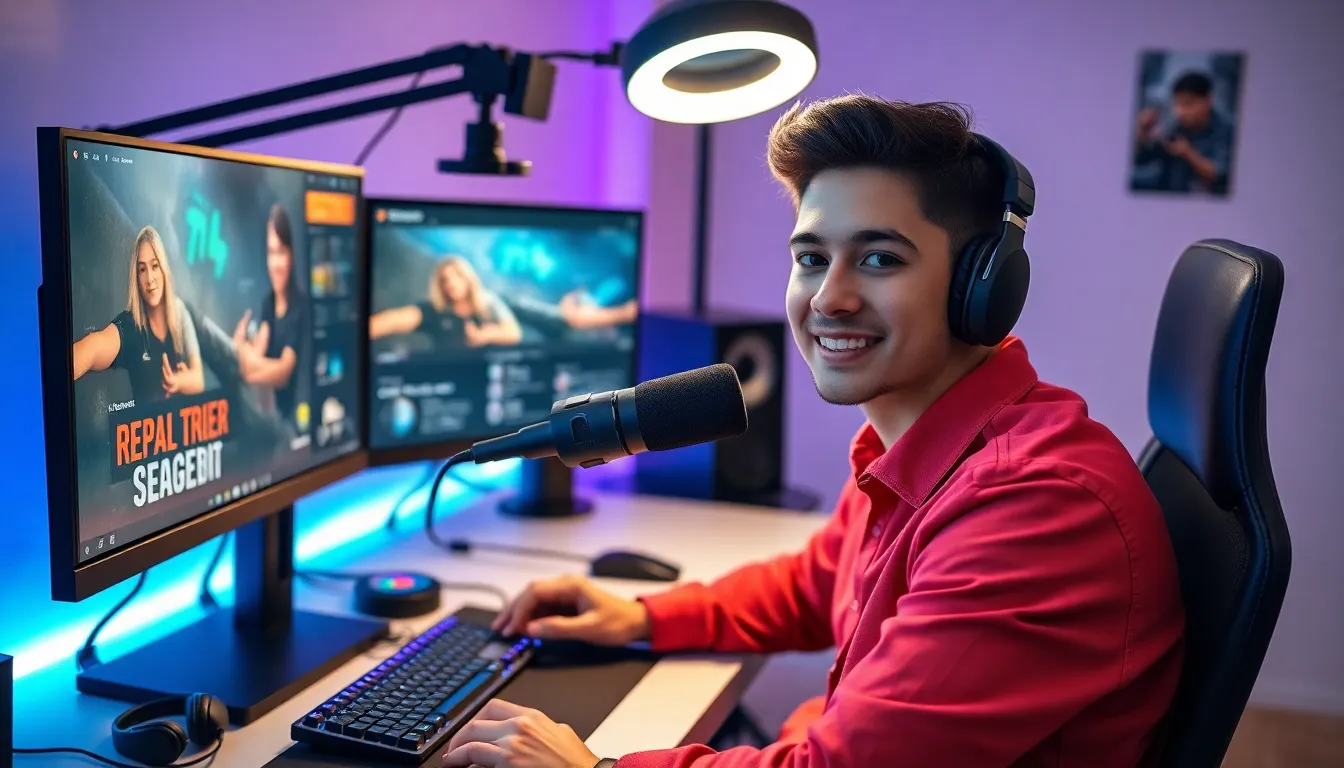
Computer or Console: A gaming PC handles both playing and encoding video simultaneously. Consoles like PlayStation 5 and Xbox Series X have built-in streaming features, though with fewer customization options.
Microphone: Audio quality matters more than video for many viewers. A USB condenser microphone like the Blue Yeti or Audio-Technica AT2020 provides clear sound without requiring an audio interface.
Webcam: While optional, showing a face builds connection with audiences. Logitech C920 and C922 remain popular choices. Some streamers invest in mirrorless cameras for higher quality.
Streaming Software: OBS Studio (free and open-source) powers most streams. Streamlabs offers a more beginner-friendly interface with built-in widgets. Both programs capture gameplay, overlay graphics, and send video to platforms.
Lighting: Good lighting improves webcam footage dramatically. A simple ring light or two softbox lights positioned in front of the face eliminate shadows and create a professional look.
Capture Card: Console streamers or those using separate gaming PCs need capture cards like the Elgato HD60 X to route video through their streaming setup.
Start with basic equipment and upgrade over time. Many successful streamers began with just a headset microphone and no webcam.
Tips for Growing Your Audience
Building a game streaming audience takes time and consistent effort. Most successful streamers spent months or years growing their channels before gaining traction.
Engage with every viewer. Small streams have an advantage, creators can respond to every chat message. This personal interaction turns casual viewers into loyal community members. Say hello when someone joins and thank people for follows and subscriptions.
Network with other streamers. Raid other channels after streams end. Participate in other creators’ chats genuinely, not just to promote. Collaborations and co-streams introduce new audiences to the channel.
Create content beyond live streams. Short clips on TikTok, YouTube Shorts, and Instagram Reels reach people who don’t browse streaming platforms. Edit highlights from streams and post them consistently. This discoverability content funnels viewers to live broadcasts.
Improve stream quality incrementally. Better audio, cleaner overlays, and more engaging commentary all help retention. Watch recordings of past streams to identify weak points. Small improvements compound over time.
Stay consistent. Irregular streaming schedules make audience building nearly impossible. Viewers need to know when to show up. Treat streaming like a part-time job if serious about growth.
Find a unique angle. Thousands of streamers play the same popular games. What makes one channel different? Maybe it’s educational content, a specific challenge run, or an entertaining personality. Differentiation helps audiences remember and return.
Use social media strategically. Twitter, Discord, and Reddit help maintain community engagement between streams. Post updates, share clips, and interact with followers. A Discord server gives fans a place to connect even when the stream is offline.


