
Table of Contents
ToggleStarting a game streaming career sounds exciting, and honestly, it is. But between picking the right gear, choosing a platform, and figuring out how to actually get viewers, many aspiring streamers feel lost before they even go live. This game streaming guide breaks down everything beginners need to know.
Whether someone wants to stream casually with friends or build a genuine following, the fundamentals stay the same. The right equipment matters. Software setup makes a huge difference. And audience engagement separates successful streamers from those broadcasting to empty chat rooms.
This guide covers the essential gear, platform options, software configuration, and practical tips for growing an audience. No fluff, no vague advice, just clear steps to start streaming games today.
Key Takeaways
- A quality microphone matters more than video—viewers tolerate average visuals but won’t stay for poor audio.
- This game streaming guide recommends at least 6 Mbps upload speed for 720p and 10+ Mbps for 1080p streams with a wired connection.
- Twitch and YouTube Gaming offer the best starting points for new streamers due to their large, active audiences.
- OBS Studio provides free, highly customizable streaming software, while Streamlabs offers a more beginner-friendly setup.
- Consistent streaming schedules (3–4 times per week) and constant chat engagement are essential for building a loyal audience.
- New streamers should target mid-tier games rather than oversaturated titles to improve discoverability.
Essential Equipment for Game Streaming
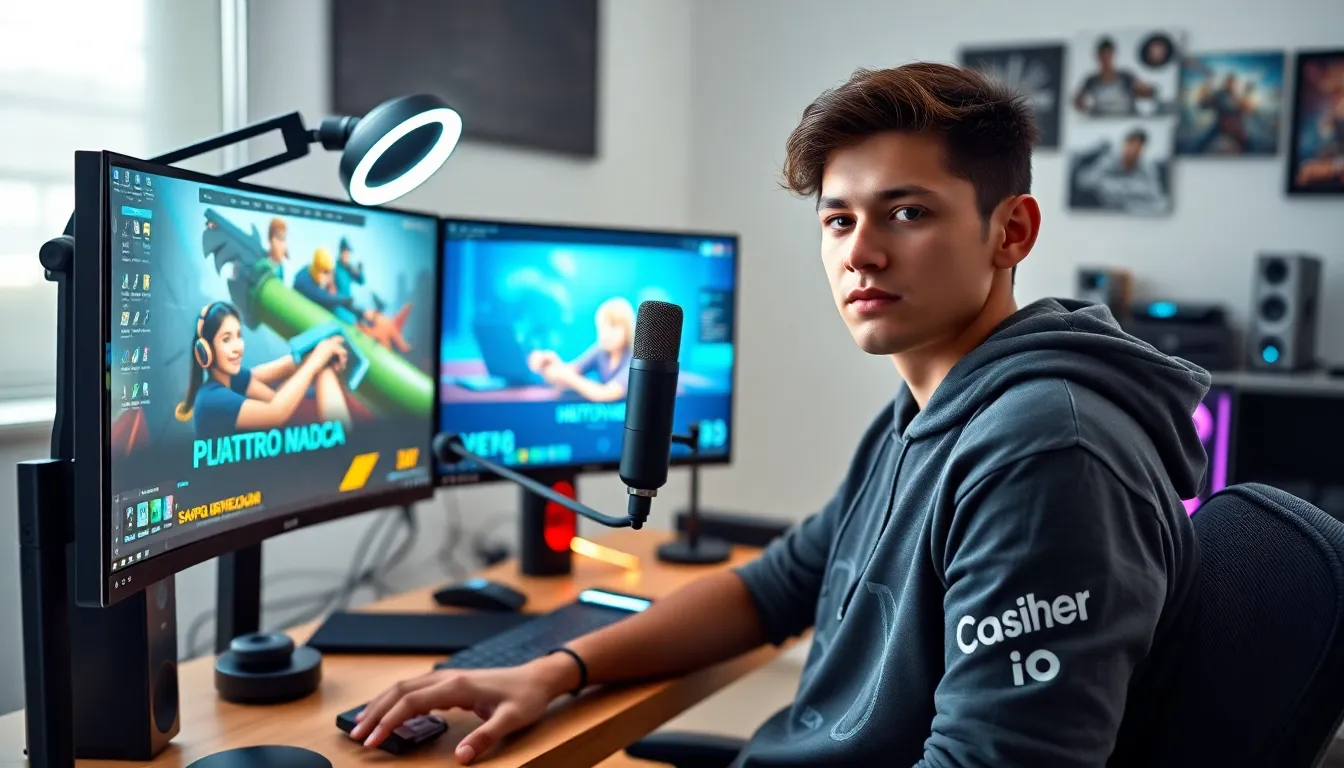
Every game streaming guide starts with equipment, and for good reason. The gear a streamer uses directly affects video quality, audio clarity, and overall viewer experience.
Computer or Console
Streamers need a capable device to run games and streaming software simultaneously. For PC streaming, a modern processor (Intel i5/AMD Ryzen 5 or better) and at least 16GB of RAM provide a solid foundation. Console streamers using PlayStation or Xbox can stream directly through built-in apps, though a capture card unlocks more flexibility.
Microphone
Audio quality often matters more than video quality. Viewers will tolerate average visuals, but they won’t stick around for bad sound. A USB microphone like the Blue Yeti or Audio-Technica AT2020 delivers professional-quality audio without requiring an audio interface. Budget-conscious streamers can start with a HyperX SoloCast or Fifine K669B.
Webcam
A webcam adds personality to streams. The Logitech C920 remains a popular choice for its balance of quality and price. Streamers wanting sharper video can upgrade to the Logitech C922 or Elgato Facecam. Some streamers skip webcams entirely, though face cameras typically boost engagement.
Lighting
Good lighting transforms webcam footage. A simple ring light or two softbox lights positioned at 45-degree angles eliminate harsh shadows and make streamers look more professional. Natural window light works too, though it’s inconsistent.
Internet Connection
Streaming requires stable upload speeds. Most platforms recommend at least 6 Mbps upload for 720p streams and 10+ Mbps for 1080p. Wired Ethernet connections beat WiFi for reliability. Dropped frames frustrate viewers and hurt channel growth.
Optional Extras
Green screens enable custom backgrounds. Stream decks simplify scene switching. Dual monitors help streamers manage chat while playing. These aren’t essential for beginners, but they improve the streaming experience over time.
Choosing the Right Streaming Platform
Platform choice shapes a streamer’s potential audience. Each major platform has distinct strengths, and this game streaming guide recommends understanding them before committing.
Twitch
Twitch dominates game streaming with the largest gaming-focused audience. Its discovery features, channel points, and subscription model favor consistent streamers. The platform takes a 50% cut of subscriptions (70/30 for partners), which some find steep. Twitch works best for streamers committed to regular schedules.
YouTube Gaming
YouTube offers discoverability through search and recommended videos. Streamers already creating YouTube content benefit from cross-promotion. The platform pays 70% of Super Chat and membership revenue. YouTube streams also become permanent VODs automatically, creating evergreen content.
Facebook Gaming
Facebook Gaming targets streamers with existing Facebook audiences. Its monetization programs have lower entry requirements than Twitch. The platform struggles with gaming culture perception, but some streamers find loyal communities there.
Kick
Kick launched in 2023 with creator-friendly revenue splits (95/5). The platform attracted major streamers with guaranteed contracts. Kick’s moderation policies differ from competitors, which appeals to some creators and concerns others. It’s newer and less established, but growing.
Multi-Streaming
Before signing exclusivity deals, streamers can broadcast to multiple platforms simultaneously using tools like Restream. This approach maximizes reach while testing which platform fits best.
Most game streaming guide resources suggest starting on Twitch or YouTube. Both have proven track records and large audiences actively searching for new streamers to watch.
Setting Up Your Streaming Software
Software transforms raw gameplay into polished streams. Two programs dominate the game streaming guide landscape: OBS Studio and Streamlabs.
OBS Studio
OBS Studio is free, open-source, and highly customizable. It handles everything from basic single-scene streams to complex multi-camera productions. The learning curve is steeper than alternatives, but the flexibility rewards investment. Most professional streamers use OBS or software built on its foundation.
Streamlabs
Streamlabs wraps OBS functionality in a more beginner-friendly package. Built-in alert systems, themes, and widgets simplify setup. The free version works well: premium features cost $19/month. Streamers wanting quick results often start here.
Basic Configuration Steps
- Download and install chosen software
- Connect streaming account through settings (Stream > Service > Connect Account)
- Run auto-configuration wizard to optimize settings for hardware
- Create scenes for different stream states (gameplay, starting soon, break screen)
- Add sources including game capture, webcam, and audio inputs
- Set up alerts for follows, subscriptions, and donations
- Test stream privately before going live
Recommended Settings
For most streamers, 720p at 60fps provides the best balance of quality and performance. Bitrate should match upload speed, 4500 kbps works well for 720p60. Using hardware encoding (NVENC for Nvidia GPUs, AMD VCE for AMD) reduces CPU load.
Audio Configuration
Separate audio tracks for game sound, microphone, and alerts give control over the mix. Desktop audio capture grabs game sound automatically. Microphone filters like noise suppression and compression improve voice clarity.
This game streaming guide emphasizes testing before going live. Run practice streams, watch the recordings, and adjust settings until the output looks and sounds right.
Tips for Building and Engaging Your Audience
Equipment and software mean nothing without viewers. Building an audience takes time, but proven strategies accelerate growth.
Stream Consistently
Regular schedules help viewers find streams. Three to four streams per week at consistent times build habits. Posting schedules on social media and channel pages sets expectations. Inconsistent streamers struggle to retain audiences.
Engage With Chat Constantly
Every game streaming guide emphasizes chat interaction because it works. Reading usernames, answering questions, and acknowledging lurkers makes viewers feel valued. Dead air kills engagement, streamers should talk through gameplay even with zero viewers.
Choose Games Strategically
Streaming the most popular games means competing against thousands of established streamers. New streamers often find success in mid-tier games, popular enough to have audiences, small enough to get noticed. Variety streaming works for personalities: niche focus works for skill-based content.
Network With Other Streamers
Raiding other channels, participating in streaming communities, and collaborating with similar-sized creators builds relationships. Genuine networking, not self-promotion, creates organic growth opportunities. Supporting others often leads to reciprocal support.
Create Content Beyond Streams
Clipping highlights for TikTok, YouTube Shorts, and Instagram Reels extends reach beyond live audiences. Short-form content drives discovery. Many successful streamers credit clip channels for their growth.
Improve Production Value Gradually
Overlays, alerts, and custom graphics make channels look professional. But fancy production can’t compensate for boring content. Streamers should prioritize entertainment value first, then polish presentation.
Handle Slow Growth Realistically
Most streamers don’t blow up overnight. Average viewers grow slowly. Treating early streams as practice sessions reduces pressure. The streamers who succeed long-term enjoy streaming regardless of viewer counts.
This game streaming guide can’t guarantee success, but following these principles gives streamers the best foundation for growth.


